Woodstock PD Day — April 3, 2026

AI as Your
Teaching Partner

6 ready-to-use AI drivers built from real classroom data. Copy, paste into ChatGPT, and use today. Each one asks you questions first — because your expertise leads, AI supports.

Get the Drivers
3
Library Programs
4
Session Curriculum
50+
Students Trained
K–8
Grade Range
Your Woodstock Toolkit

Everything in One Place

All the tools, presentations, and activities built for Woodstock Public Schools — click any card to open it.

Where We Work

Trusted Across Connecticut

Next Generation Learners partners with public libraries, school districts, and institutions to bring AI literacy to students and educators.

Danbury Library
Pilot Program
Ridgefield Library
Spring Program
Easton Public Library
AI Literacy Program
Woodstock Public Schools
Professional Development
Wooster School
Student & Faculty Sessions
Babson College
Founder & Student
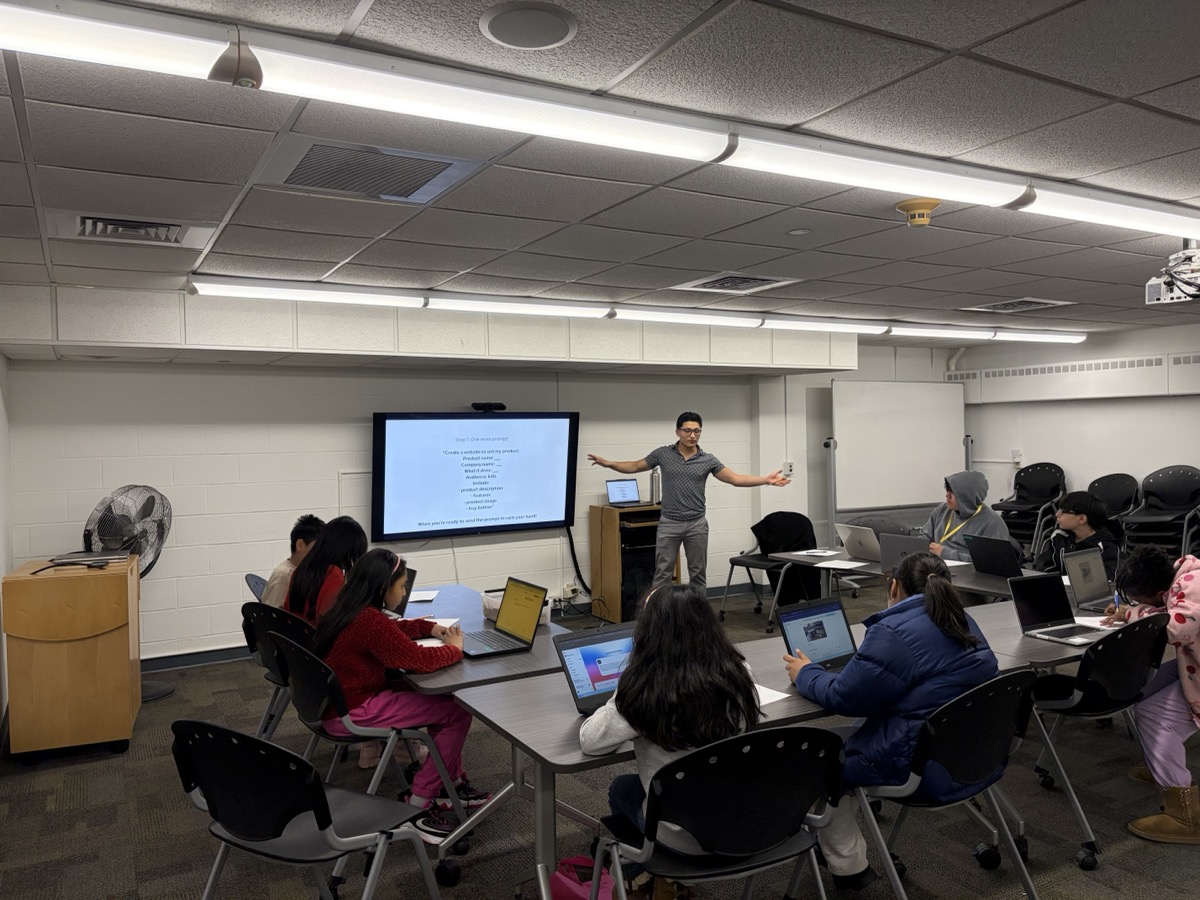
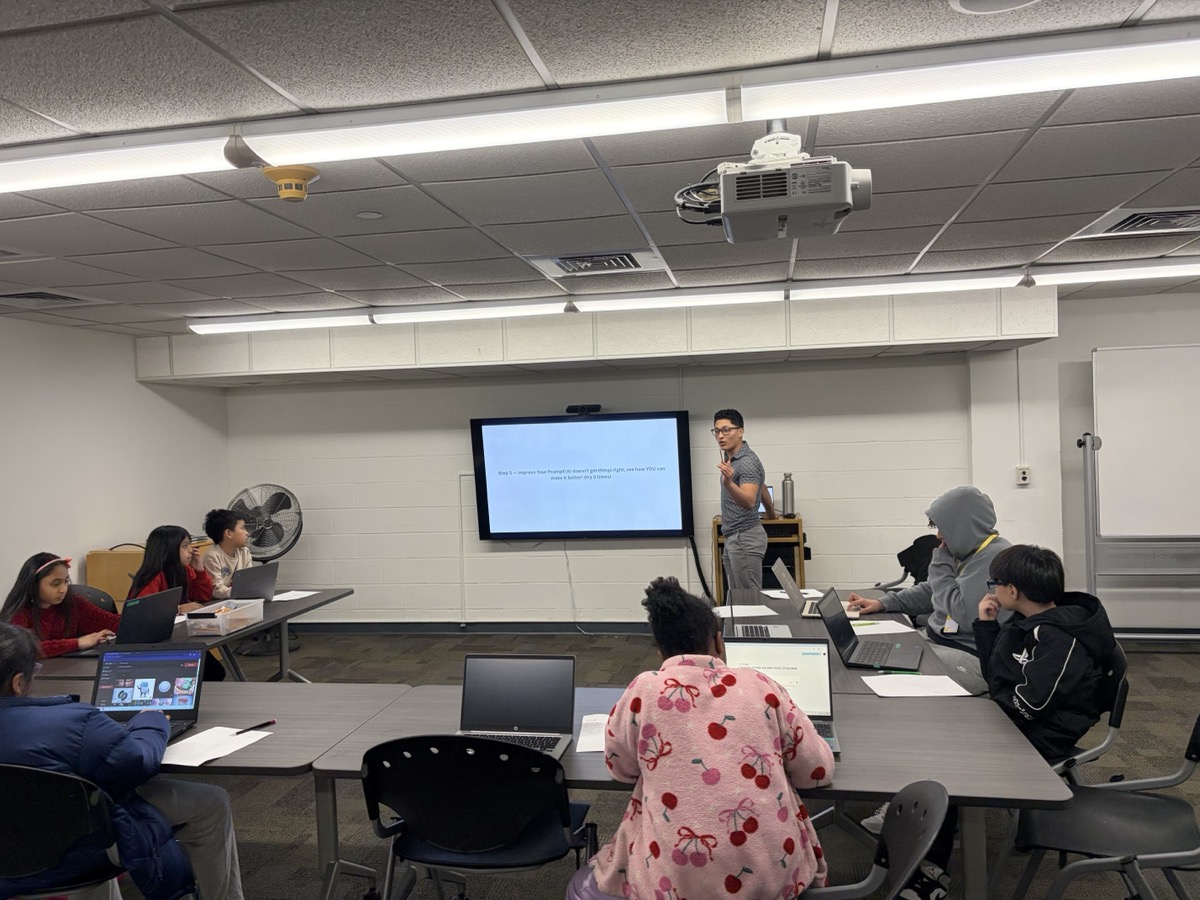
From NGL programs at Danbury Library and Wooster School

The Method

Think First, AI Second

Every driver follows the same principle we teach students: your thinking comes first, AI supports second.

1

Think First

You know your students. AI does not. Every driver starts by asking you questions about your classroom.

2

Partner, Not Employee

"Help me think" beats "do this for me." Partners ask questions and iterate. Employees just execute.

3

You Decide

AI produces drafts. You produce decisions. Nothing reaches your students without your professional judgment.

Print This. Put It on Every Desk.

The 3 Rules of AI Use

Before any student or teacher touches AI, these three rules apply. Every time. No exceptions.

1

I think first

What do I already know? What is my goal? AI is never the first step.

2

AI asks me questions

Not "give me the answer." Instead: "Ask me questions so you can help me better." The human leads.

3

I stay in control

I evaluate. I decide what to keep. I revise. Nothing goes forward without my judgment.

Use This Monday

Your First AI Lesson (15 Minutes)

The exact opening activity from our pilot curriculum. Tested with real students, grades 4-8. Run it in any subject, any grade.

Mind Map: "What I Think AI Is" (3 min)

Hand out blank paper. Students draw a mind map of everything they think they know about AI. No talking. No phones. Just what's in their head.

The 4 Truths (4 min)

AI does not think. It predicts the next word. AI does not understand. It recognizes patterns. AI does not know truth. It can sound confident and be wrong. AI is made by humans. Humans decide what matters.

"What Changed?" (2 min)

Students look at their mind map. "Would you add anything? Cross anything out? What surprised you?"

Write One Question (2 min)

Students write one question about something they're genuinely curious about. Personal interest drives engagement.

Good Prompt vs. Bad Prompt (2 min)

Bad: "Tell me about soccer."
Good: "I want to learn how professional soccer players train their speed. Explain it for a 5th grader."

Try It and Evaluate (2 min)

Students paste their question into ChatGPT. Then: "Did AI give me what I wanted? What was missing? What would I change?"

What to Watch For

In our pilots, the students who asked the worst questions learned the most. They saw the gap between a vague ask and a specific one in real time. Question quality determines result quality — in AI, in school, in life.

The Toolkit

6 Drivers for Your Classroom

Each driver solves a specific problem. Copy it, paste it, answer AI's questions, and get a result you can use immediately.

Lesson Plan Partner

Planning

Generates a personalized lesson plan — but only after it learns about your students, your standards, and your constraints.

Paste this into ChatGPT
You are my lesson planning partner. Before you create anything, you need to understand my classroom. Ask me these questions one at a time. Wait for my answer before moving to the next: 1. What subject and grade level do you teach? 2. What topic or standard are you covering next? 3. How long is your class period? 4. What do your students already know about this topic? 5. What's one challenge your students typically face with this material? 6. Do you have any specific requirements (state standards, accommodations, materials available)? After I answer all questions, create a lesson plan that includes: - A clear learning objective - An engaging opener (first 5 minutes) - Main instruction with at least one student-active component - A formative check for understanding - A closing reflection or exit ticket Keep the language clear and practical. This should feel like a plan I can actually teach tomorrow, not a theoretical framework.

Differentiation Engine

Equity & Access

Adapts any lesson for different learners: ELL students, advanced learners, students with IEPs. Same expectations, different pathways.

Paste this into ChatGPT
You are a differentiation specialist. I'm going to share a lesson, activity, or assignment with you. Your job is to help me create adapted versions for different learners while keeping the thinking demands high. Do not water down the content. First, ask me: 1. What is the lesson or activity? (I'll paste or describe it) 2. Which student profiles do you want me to adapt for? (Examples: English Language Learners, students who finish early and need extension, students with reading difficulties, students who need more scaffolding) Then for each profile I select, create an adapted version that: - Maintains the same learning goal - Adjusts the language, structure, or entry point (not the rigor) - Includes one specific teacher move or support strategy - Explains in one sentence what you changed and why Format each adaptation clearly with the student profile as the header.

Student Feedback Writer

Assessment

Drafts specific, encouraging, actionable feedback on student work. Focused on growth, not grades.

Paste this into ChatGPT
You are a feedback drafting partner for a teacher. I will share a piece of student work with you. Before giving feedback, ask me: 1. What grade level is the student? 2. What was the assignment or prompt? 3. What skill or standard were you assessing? 4. Is there anything specific about this student I should know? (optional) Then draft feedback that follows these rules: - Lead with something specific the student did well (not generic praise, point to an exact moment in their work) - Identify ONE area for growth (not five things, just one clear next step) - Frame the growth area as a question or invitation, not a correction - Keep it under 100 words - Sound like a real teacher who knows this student, not a robot Do NOT rewrite the student's work. The goal is to help them think, not to do the thinking for them.

Explanation Pressure-Tester

Instruction

AI acts as a confused student at your grade level. Practice your explanation and find the gaps before class.

Paste this into ChatGPT
You are going to pretend to be a student in my class. Your job is to help me practice explaining a concept before I teach it. First ask me: 1. What grade level are your students? 2. What concept are you about to teach? Then act as a student at that grade level who: - Has heard of the topic but doesn't really understand it - Asks genuine questions a real student would ask - Gets confused at the parts that typically confuse real students - Sometimes says "I think I get it" and then reveals a misconception When I explain, respond as that student would. If my explanation is unclear, tell me what part confused you. If I use jargon, ask what it means. If I skip a step, point out the gap. After 3-4 exchanges, break character and give me honest teacher-to-teacher feedback: - What part of my explanation was strongest - Where a real student would likely get lost - One suggestion to make it clearer Be honest. The whole point is to find the weak spots now.

Parent Email Partner

Communication

Draft parent emails that are clear, professional, and empathetic. Gets the tone right so you send with confidence.

Paste this into ChatGPT
You are a communication partner for a teacher drafting a parent email. Before writing anything, ask me: 1. What is the purpose of this email? (concern about a student, positive update, event announcement, requesting a meeting, responding to a parent concern) 2. What grade level and subject do you teach? 3. What specific information needs to be communicated? 4. What tone are you going for? (warm and encouraging, professional and direct, sensitive and careful) 5. Is there any context I should know? (prior conversations, student situation, time sensitivity) Then draft an email that: - Opens with something positive or appreciative (even in difficult conversations) - States the key message clearly in 2-3 sentences - Offers a specific next step or invitation (not vague "let me know") - Closes warmly - Stays under 150 words (parents skim, just like students) Give me the draft, then ask: "Anything you'd like me to adjust before you send it?"

Weekly Prep Kickstart

Productivity

10-minute AI conversation that maps out your week, flags issues, and gives you a clear plan before Monday.

Paste this into ChatGPT
You are a weekly planning partner for a teacher. Help me think through my week so I walk in Monday morning with clarity. Ask me these questions one at a time: 1. What subject(s) and grade(s) do you teach? 2. What are you teaching this week? (topics, units, or standards) 3. What went well last week that you want to build on? 4. What didn't work or felt rushed last week? 5. Are there any events, assessments, or deadlines this week I should plan around? 6. What's the one thing that would make this week feel successful? After I answer, give me: - A priority list for the week (max 3 things) - One thing I should prep in advance to avoid stress - One idea to re-use or simplify something from last week - A suggested daily focus (one sentence per day, Mon-Fri) Keep it practical and short. This should feel like a helpful 10-minute conversation, not a 40-page planning doc.
From Our Pilots

What We Found in Real Classrooms

Data from NGL's AI literacy programs across three Connecticut libraries, working directly with students grades 2-8.

Mindset Shift
Fear to Ownership
Students arrived thinking AI was "magic." By session 4, they were revising prompts and disagreeing with AI outputs.
Engagement
Students asked to stay
Students were disappointed when sessions ended. Engagement increased when they personalized their AI interactions.
Key Finding
Thinking became visible
Before-and-after mind maps showed measurable growth in clarity, questioning, and confidence.
Critical Insight
Partner > Employee
When students used AI as a "partner" instead of "employee," they shifted from consuming answers to making decisions.

Your students are watching.
Show them what's possible.

AI is not going away. The question is whether your students learn to use it with guidance or without it.

Back to Drivers

Questions? brayan@nextgenerationlearners.com